Appearance
Customization
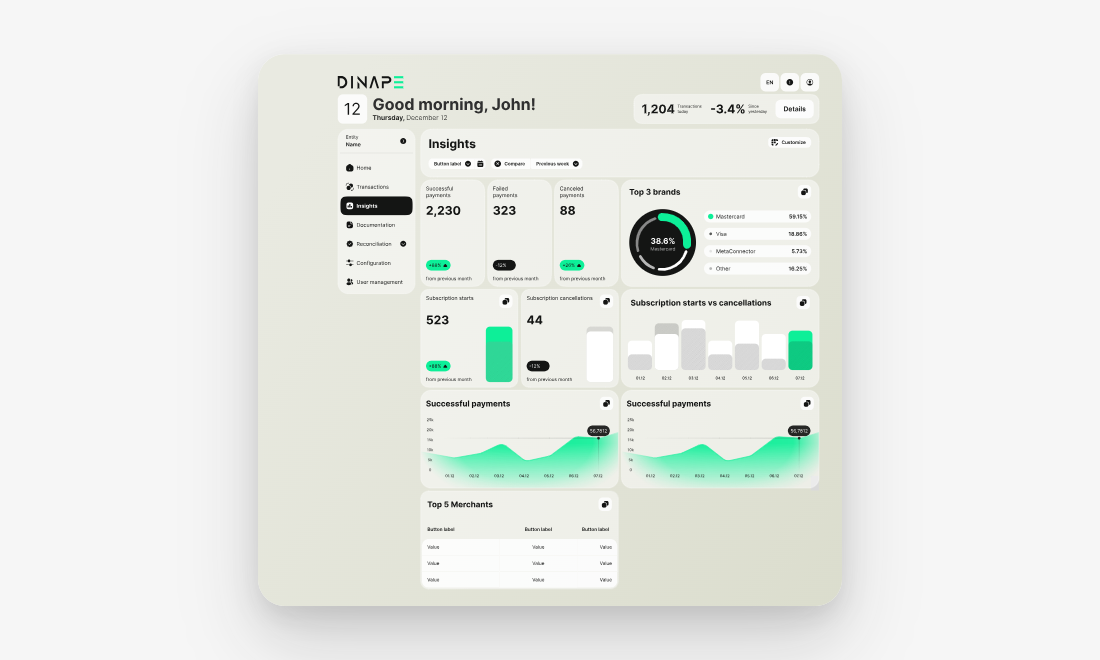
Use Customization to adapt the Insights dashboard to your reporting needs. You can add predefined widget groups, remove groups you do not need, and rearrange the dashboard layout.
Customization helps you focus the dashboard on the metrics that are most relevant for your role and selected entity.
Open customization mode
Open Insights and select Customize.
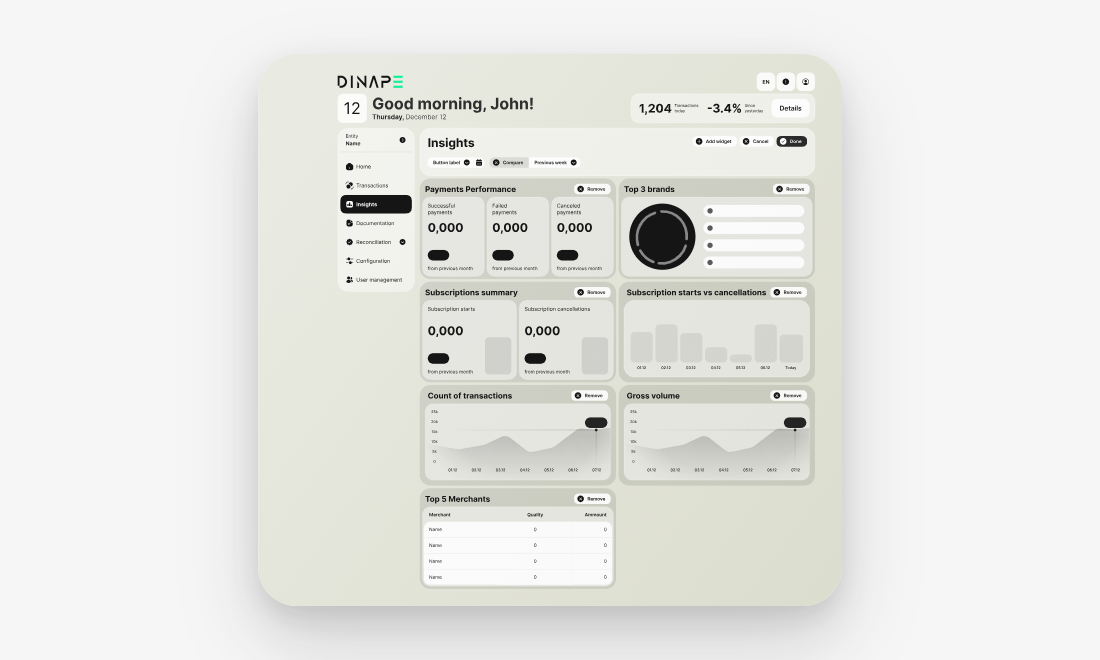
In customization mode, you can edit the dashboard layout. Dinape shows controls for adding, removing, and rearranging widget groups.
Add widget groups
Select Add widget to choose from predefined widget groups.
Widget groups can include metrics, charts, or tables for payment performance, transaction activity, brands, subscriptions, or merchant performance.
Rearrange widget groups
Drag and drop widget groups to change their position on the dashboard.
Use this to place the most important metrics higher on the page or group related information together.
Remove widget groups
Select Remove on a widget group to remove it from your dashboard view.
Removing a widget group only changes the dashboard layout. It does not delete transaction data or affect payment processing.
Save your changes
After adjusting the dashboard, select Done to save the layout.
Select Cancel if you want to leave customization mode without applying your changes.
Next steps
Review transactions
Use Transactions to investigate individual payments behind the dashboard metrics.
Continue to Transaction Overview
Review reports
Use Reports for document-based or exported reporting where available.