Appearance
Account structure
Dinape uses account levels to organize payment configuration across your organization. The structure helps you separate entities, channels, payment provider connections, access rights, and reporting scopes.
The levels available to you depend on your setup and access rights.
How account levels work
A typical Dinape account structure can include four levels:
- Client: the highest account level
- Division: an organizational unit below a client
- Merchant: the entity that processes payments
- Channel: a sales or operational context within a merchant
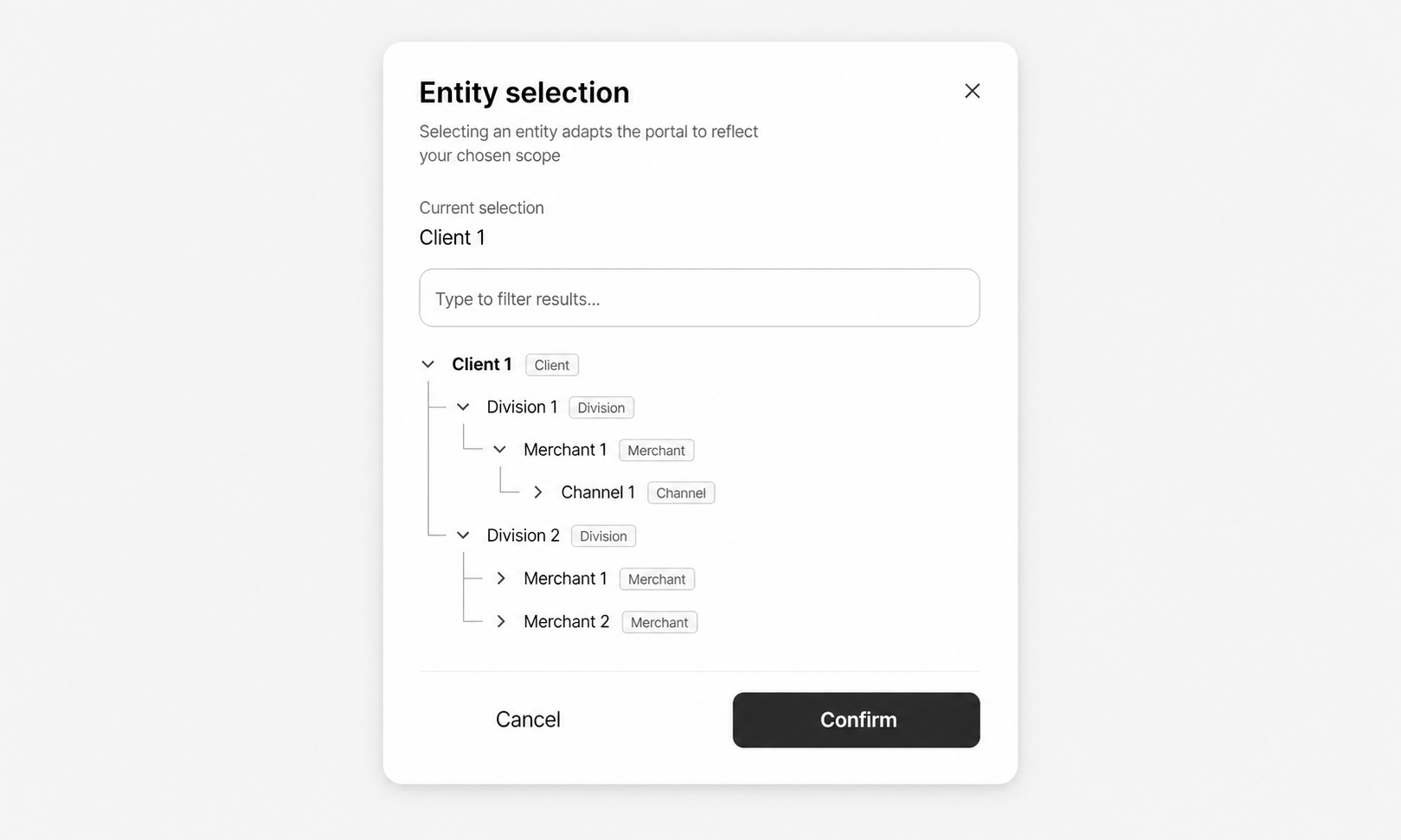
Each level helps define where configuration applies and which data users can access.
Client
A Client is the highest account level in Dinape.
Use the client level to represent the top-level organization or company group. A client can contain affiliated divisions and provides the starting point for managing the wider account structure.
Division
A Division represents an organizational unit below a client.
Use divisions to separate parts of your organization, such as regions, brands, business units, or other operational areas.
Merchant
A Merchant is the entity responsible for processing payments.
Use merchants to represent the business entities that accept payments. A merchant can have one or more channels, depending on how payment flows should be separated.
Channel
A Channel represents a specific sales or operational context within a merchant.
Use channels to separate payment configurations for different use cases, such as online shop payments, in-app payments, or different business areas.
A channel determines which payment provider configuration and payment methods are available for the related payment flow.
Select an entity
Use the entity selector at the top of the left-side menu to choose the account level you want to work with.
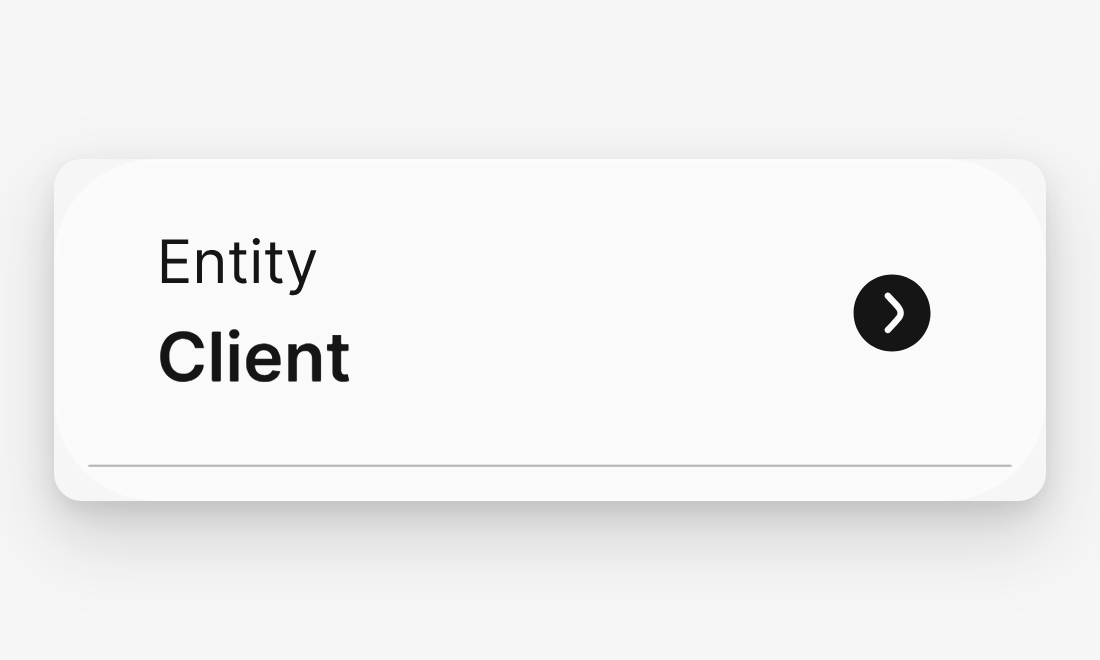
The selected entity defines the scope of the data and configuration shown in the platform. For example, dashboards, transactions, configuration details, documents, and reconciliation data are shown for the currently selected entity.
If your access rights start at a lower level, you only see the entity levels available to you.
Example structure
A company can use Dinape to organize its payment setup like this:
- Client: Global company group
- Division: Regional business area
- Merchant: Local merchant entity
- Channel: Online shop or in-app checkout
This structure helps separate payment configuration and reporting while keeping related entities connected.
Where this structure is used
The selected entity affects several areas of Dinape, including:
- Configuration
- User management
- Insights
- Transactions
- Financial documents
- Reports
- Reconciliation
- Calculation jobs
For account details and editable fields, see Configure Account.